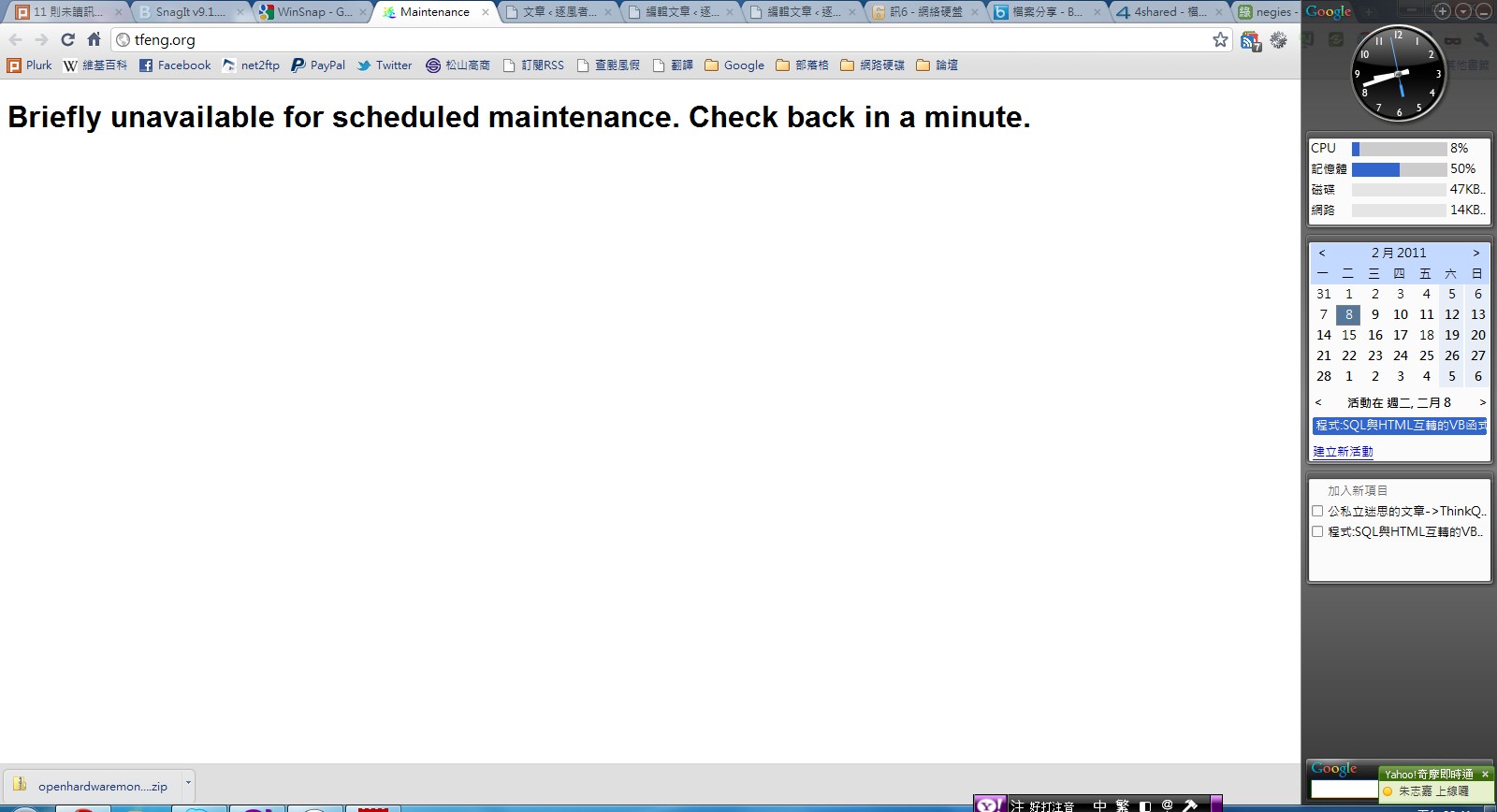
Also, WordPress’s maintenance mode is handy, but it has one problem: when you use the built-in automatic update feature and the update fails, your blog stays stuck in maintenance mode forever… Today, when I updated to WP 3.0.5, something went wrong and it left me stuck in maintenance mode… I only learned how to turn maintenance mode off manually after searching around online.
Manually enabling and disabling maintenance mode
1. To enable maintenance mode manually, download the PHP file I put together and upload it to the root directory of your blog.Maintenance mode enabler file: Box.net | Xun6 | 4Shared
p.s. Unzip it after downloading.
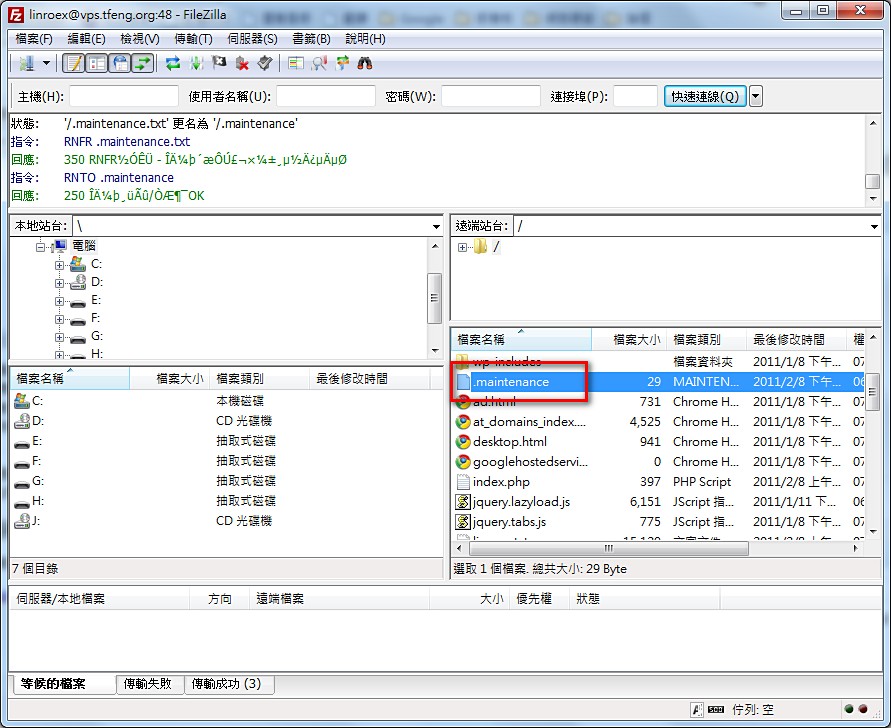
- Now go take a look at your blog — it’s already in maintenance mode~
You can unzip the file you just downloaded and look at the source code.
When the WP system detects a .maintenance file in the root directory, it reads it and decides whether to enter maintenance mode. It does this by checking whether the gap between the timestamp stored in the $upgrading variable and the current time exceeds 10 minutes. If it exceeds 10 minutes, maintenance mode is turned off. With the way I wrote it, that can never happen XDD
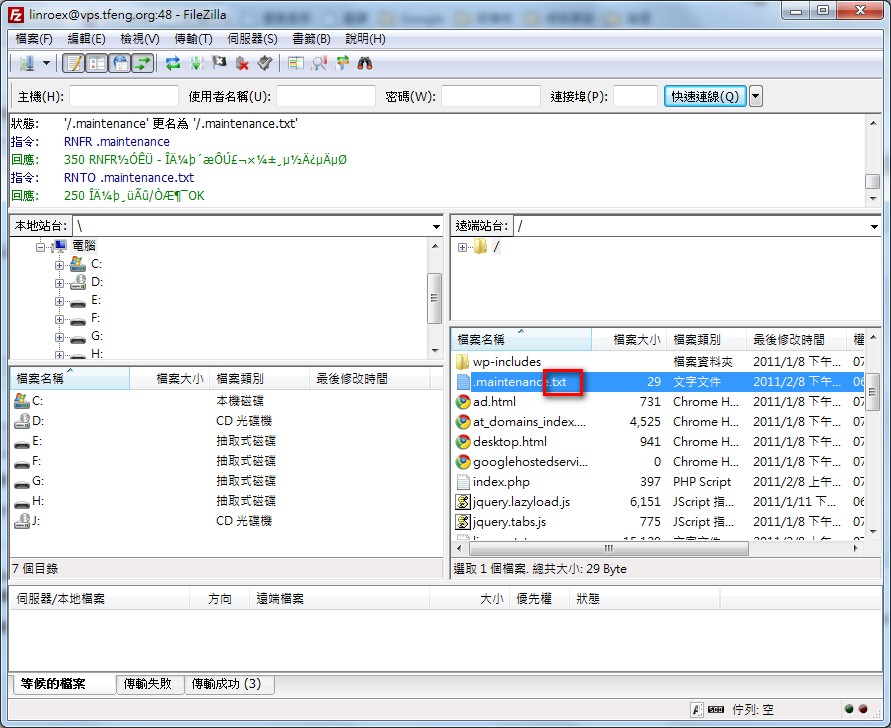
- When you decide to cancel maintenance mode, go into your site’s root directory and delete or rename the .maintenance file. In my case, I just appended .txt to the filename.