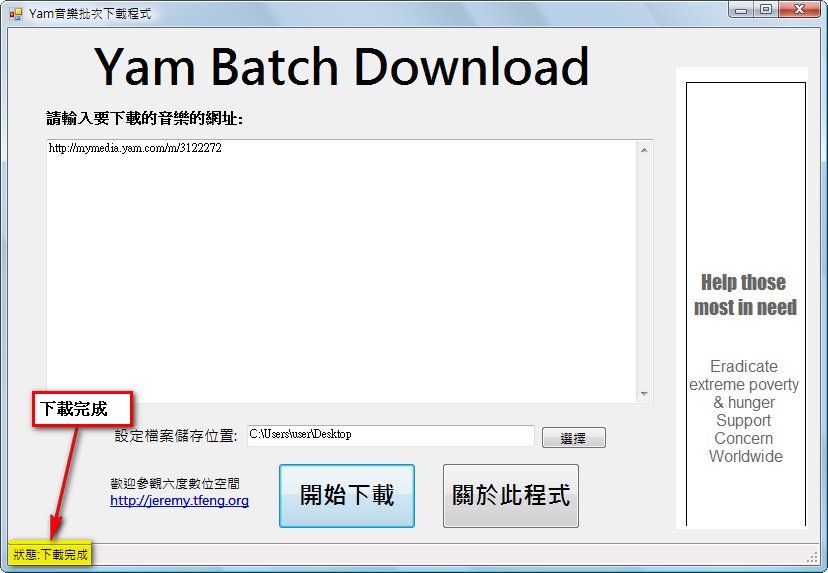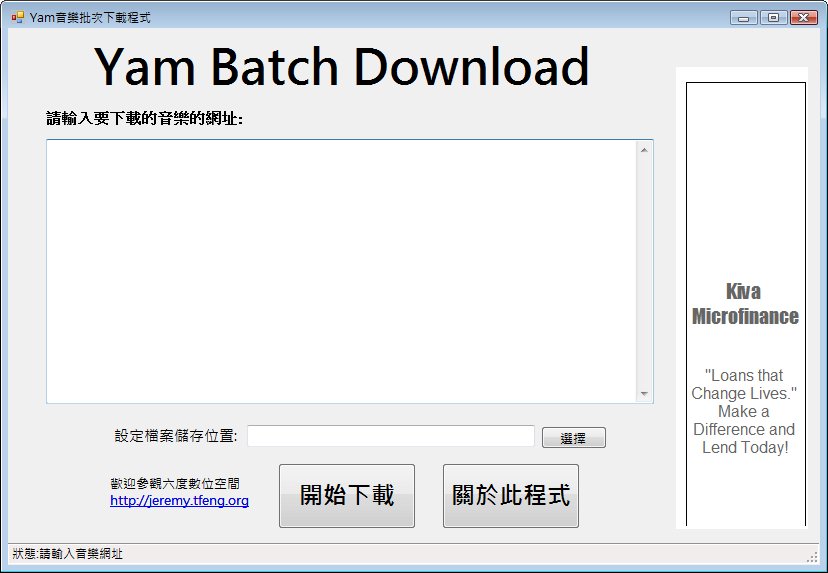
Originally I planned to write this program in VC++, but later, for technical reasons… I had underestimated how hard C++ was = = I assumed that since they’re both VS-series compilers, the controls would work pretty much the same way, but it turned out C++ controls need the -> symbol, and I had never written a C++ windowed program in VS before. The first attempt took me a lot of time to figure out, so in the end I decided to write it in VB (along the way I also considered writing it in PHP ^^)
Program Information
7/31 update notes:- Added a download status feature
- Fixed the part that was becoming unresponsive
- The program is set to automatically detect whether a URL is music or video, but downloading videos is very slow
- Changed the file download part to use a faster download method
Usage Tutorial
Using this software is very simple — it takes almost just two steps. First, download the file and open it.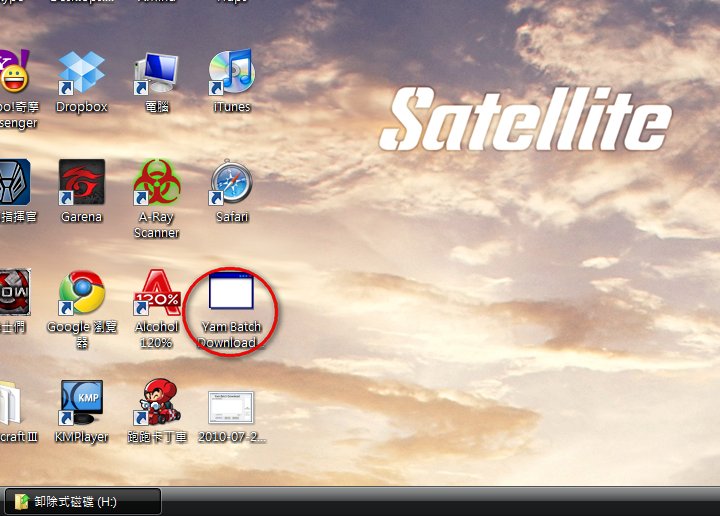
Then paste the music URLs into that big white box.
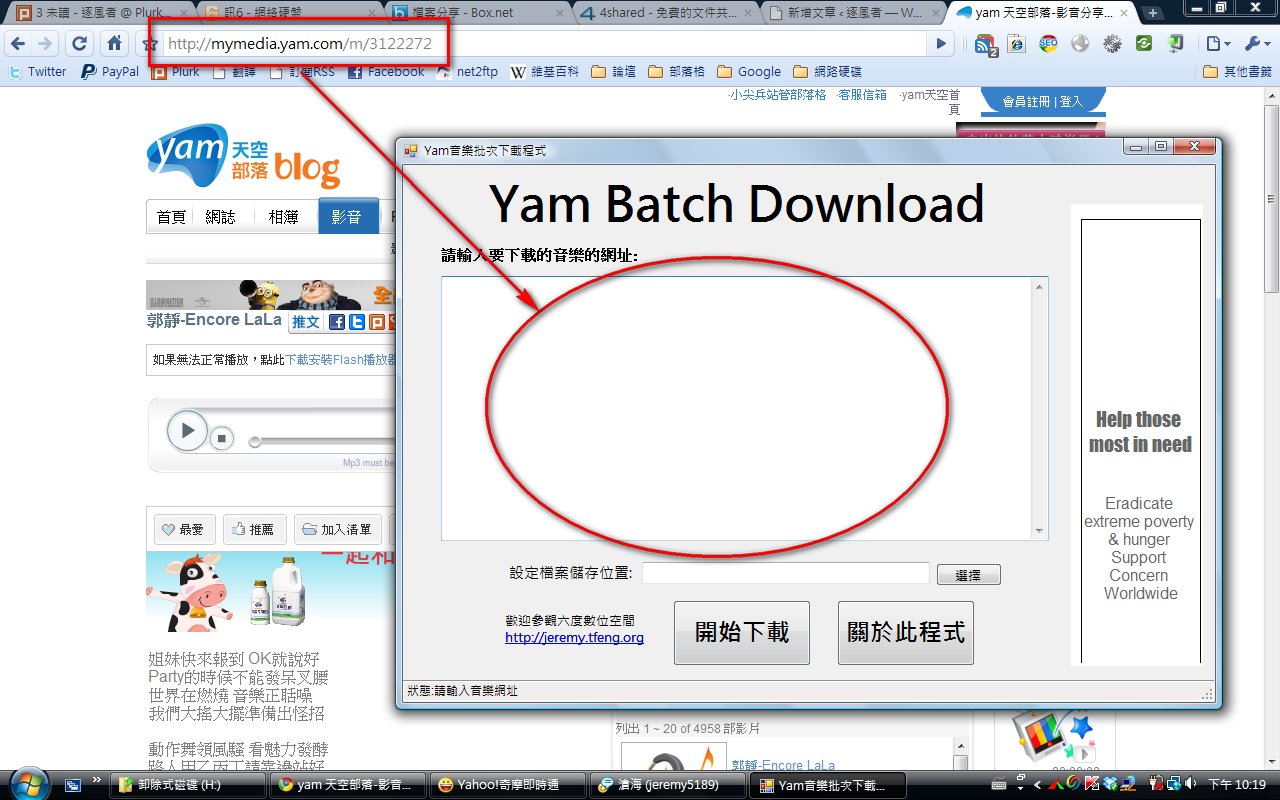
You can also paste many URLs at once.
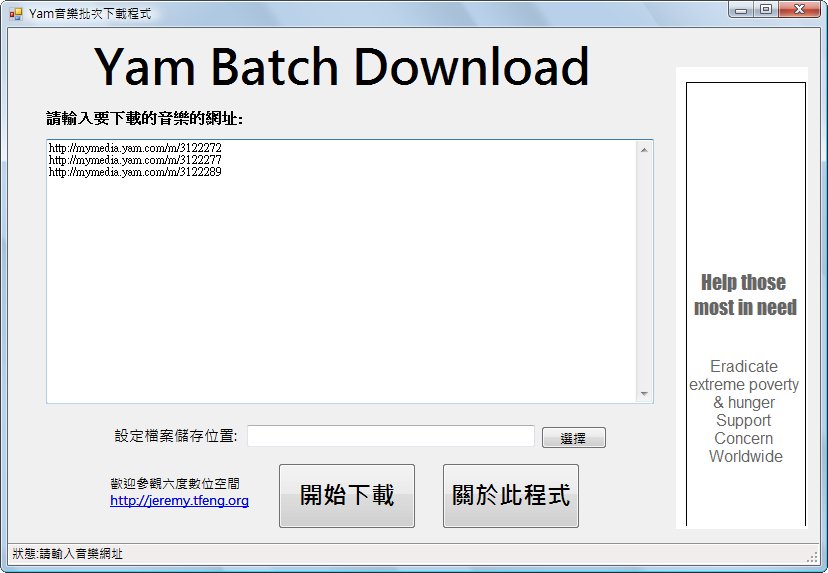
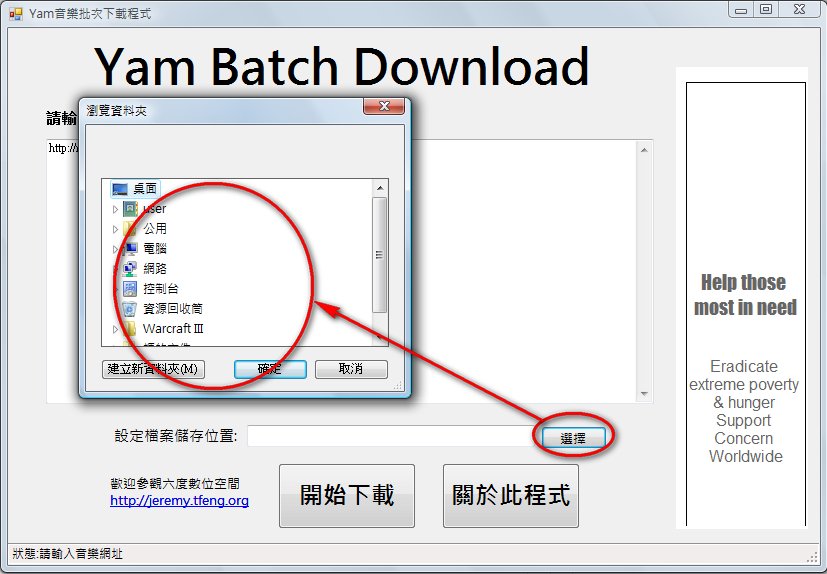
Then set where the music should be saved.
Finally~~ click Start Download, and then you’ll notice a small issue: the program doesn’t have a progress bar XDD (reason: laziness…) So you have to watch the status in the bottom-left corner. When the download finishes it will automatically change to “Download complete”. Don’t think it’s frozen just because it isn’t responding~
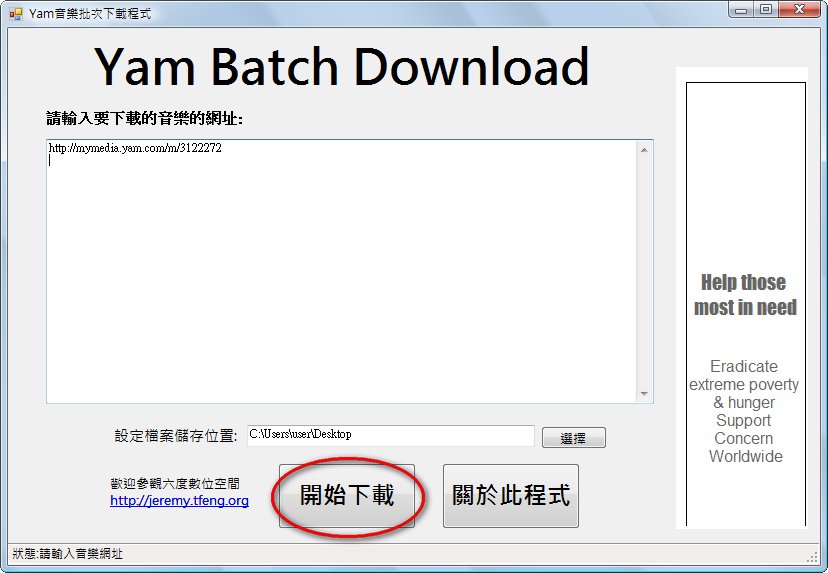
Download complete~